An Android tablet project does not always begin with a clear model number or technical specification.
In some cases, a company is still exploring whether Android tablets are suitable for its market. In others, a project already exists, but the application requirements have not yet been converted into hardware specifications. Some buyers are simply trying to understand what types of commercial Android tablets are available before deciding which direction deserves further evaluation.
At first glance, these situations may appear similar.
The buyer needs a tablet.
However, the correct selection process can be very different.
A B2B tablet requirement is often shaped first by the commercial opportunity, the deployment environment, or the product strategy rather than by screen size, processor, or memory.
For that reason, comparing specifications should not always be the first step.
The more useful starting point is to understand how the demand was formed.
Once the demand path is clear, it becomes easier to determine what information should be collected, which products should enter the comparison, and whether a standard Android tablet or a customized OEM/ODM solution is more appropriate.
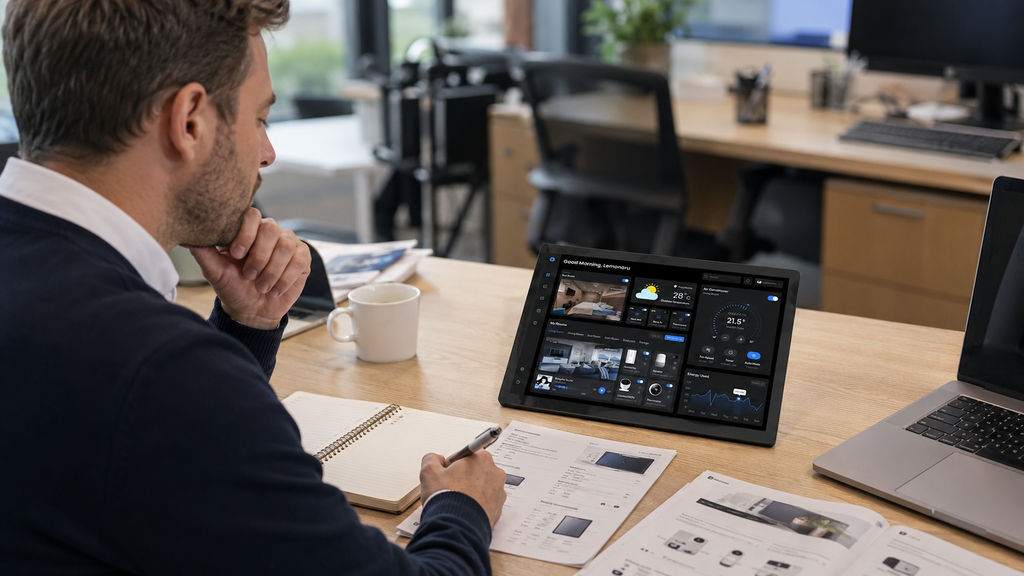
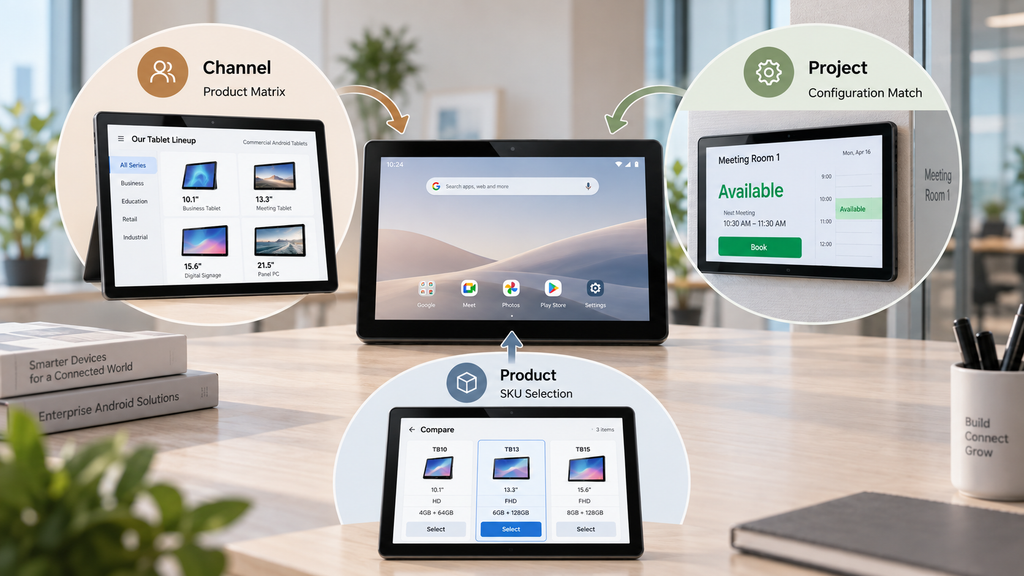
Path 1: Channel Exploration — Start With Product Categories, Not a Single SKU
One common situation is a distributor or local partner looking for a new cooperation opportunity.
At this stage, the buyer may know that commercial Android tablets have market potential but may not yet know which product category will receive the strongest response.
Selecting one individual model too early can therefore create unnecessary limitations.
The more practical approach is to begin with a differentiated Android tablet product matrix.
Instead of presenting a long list of similar products, the product range should be divided into clear commercial directions.
For example:
| Product Direction | Typical Configuration | Typical Application |
|---|---|---|
| General commercial Android tablets | 10.1″–13.3″, wall-mounted or desktop, PoE, RJ45, NFC options | Retail, office, hospitality |
| Application-oriented tablets | LED status lights, meeting-room interfaces, kiosk or POS configurations | Room management, customer interaction, commercial terminals |
| Rugged Android tablets | 8″–10″, high-brightness display, GPS, NFC and reinforced housing options | Logistics, outdoor work, field operations |
The purpose of this structure is not to identify one universal bestseller.
It is to help the distributor understand which product directions are worth testing in the target market.
A channel partner may discover that wall-mounted commercial tablets have stronger potential than mobile tablets. Another may find more demand in meeting-room devices, retail terminals, or rugged field tablets.
This allows the market to be evaluated by application category before the buyer commits to one individual product.
For early channel development, JDS can therefore support product selection with a simplified product matrix, starter configurations, and product materials that clearly explain the differences between each product direction.
If the requirement begins with a channel opportunity, the first step should be:
Choose the product direction first, then choose the SKU.
Path 2: Project-Driven Demand — Start With the Deployment Environment
A project-based inquiry follows a different logic.
When the device is intended for a government project, commercial installation, industrial deployment, or system integration, the project environment should define the hardware.
In this case, starting with a broad product catalog can make the selection process more complicated.
The more useful questions include:
- Who will use the tablet?
- Will it be fixed or mobile?
- Where will it be installed?
- Does it require wall mounting or desktop installation?
- What network connection is available?
- Does the project need Wi-Fi, Ethernet, PoE, NFC, GPS, Bluetooth, or other interfaces?
- What Android environment is required?
- Will the tablet run continuously?
- Is the device exposed to outdoor or industrial conditions?
- Does the software require special hardware support?
Once these questions are answered, the product direction becomes much easier to identify.
For example:
| Deployment Requirement | Recommended Product Direction | Selection Logic |
|---|---|---|
| Fixed indoor installation | 10.1″–15.6″ wall-mounted Android tablet | Match screen size, mounting, interfaces and connectivity |
| Field or mobile use | 8″–10″ rugged Android tablet | Focus on mobility, durability and outdoor requirements |
| Specialized professional application | Purpose-built Android tablet or customized terminal | Match application-specific hardware and software requirements |
A project name alone does not determine the correct tablet.
For example, a government project could require a portable tablet, a wall-mounted touchscreen, a kiosk-style terminal, or a rugged mobile device.
The actual deployment environment is what converts the project into a usable hardware specification.
For this type of requirement, JDS follows a simple sequence:
Understand the deployment → define the hardware requirement → match the closest standard product → evaluate customization only if necessary
If the requirement begins with a defined project, start with the application and environment rather than the catalog.
Path 3: Product Exploration — Start With Clear Differences Between Product Lines
Another common situation occurs when a buyer is interested in Android tablets but has not yet defined a specific project.
The immediate goal is simply to understand the available product range.
In this stage, providing more SKUs does not always make the decision easier.
If dozens of tablets have only small differences in memory, ports, processor, or housing, the buyer still has to determine why each product exists.
A better approach is to organize the product portfolio around different application directions.
For example:
| Product Direction | Representative Product Type | Purpose |
|---|---|---|
| Commercial applications | Wall-mounted, desktop, L-shape or dual-screen Android tablets | Mainstream business use |
| Industrial and outdoor use | Rugged Android tablets | Demanding mobile and field applications |
| Education and volume deployment | Cost-effective standard Android tablets | Large-volume or budget-sensitive projects |
| Professional terminals | Meeting-room panels, POS terminals and specialized touchscreen devices | Defined business workflows |
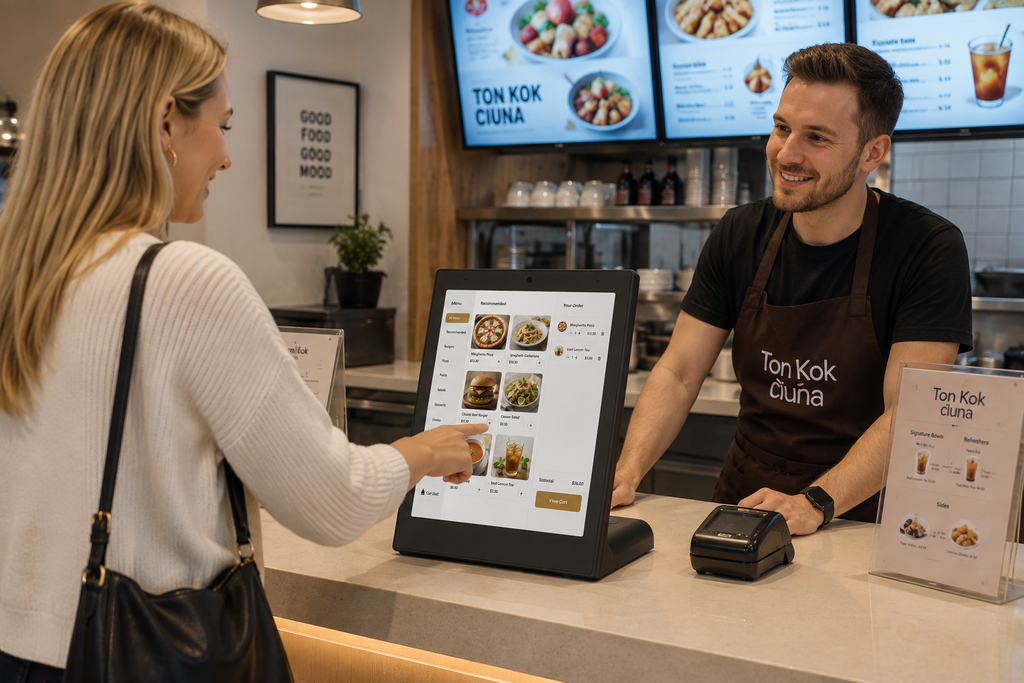
This type of structure turns the catalog into a decision tool.
Instead of asking:
“Which tablet should I choose from all these models?”
the buyer can first ask:
“Which product category fits the opportunity I am evaluating?”
Once that question is answered, the number of relevant models becomes much smaller.
For product exploration, JDS can provide a simplified portfolio structure and explain the intended use of each major Android tablet category before moving into detailed specification comparison.
If the requirement begins with general product research, start with product positioning, not minor differences between individual SKUs.
Three Demand Paths Require Three Different Selection Methods
The three situations can be summarized as follows:
| Demand Path | Main Uncertainty | Recommended First Step | Product Strategy |
|---|---|---|---|
| Channel exploration | Which product direction has market potential? | Compare differentiated product categories | Begin with standard product families |
| Project-driven demand | Which device fits the deployment? | Analyze application and environment | Match the closest suitable configuration |
| Product exploration | Which product category deserves further evaluation? | Simplify the portfolio | Narrow from category to specific model |
This is why one universal tablet specification checklist cannot solve every B2B sourcing requirement.
The same feature can have completely different importance depending on the application.
For example, PoE may be extremely useful for a wall-mounted commercial display but unnecessary for a portable tablet.
GPS may be important for a field device but irrelevant to a meeting-room booking panel.
NFC may be essential for access control or identification but unnecessary in another commercial installation.
The more clearly the demand is defined, the easier it becomes to determine which specifications actually matter.
A practical progression is:
Demand path → Application → Product category → Hardware configuration → Validation
At the beginning of this process, broad product direction matters more than small specification differences.
Start With Standard Products Before Moving Into Customization
Customization can be valuable, but it should not always be the first choice.
If an existing commercial Android tablet already satisfies the application, a standard configuration can usually provide a simpler route to testing and deployment.
Customization becomes more useful when a clearly defined requirement cannot be met by the available standard product.
Possible customization requirements may include:
- Dedicated interface arrangements
- Different screen sizes
- Special housing designs
- Customized mounting structures
- Branding and logo printing
- Customized firmware
- Specific Android configurations
- Special I/O requirements
- Additional communication modules
- Packaging customization
At this stage, Android tablet OEM/ODM services become relevant.
The order of decision-making is important.
Moving directly into customization while the application is still unclear can increase development complexity without solving a confirmed product requirement.
A more practical process is:
Identify the demand → select a standard product direction → validate the application → identify remaining gaps → customize only where necessary
This allows customization to solve a specific problem rather than becoming the starting point of an undefined project.
How to Move From an Early Inquiry to the Right Android Tablet
Different B2B buyers can arrive at the same supplier through very different paths.
A distributor may begin with a market opportunity.
A project contractor may already have a defined deployment.
A purchaser may simply want to understand the available Android tablet range.
These situations should not be handled in exactly the same way.
A channel opportunity benefits from a clear product matrix.
A project requirement benefits from application and deployment analysis.
A product-exploration inquiry benefits from a simplified portfolio that explains why each major product category exists.
JDS approaches Android tablet sourcing through the same general progression:
Understand the demand → identify the application → select the product direction → recommend a standard configuration → customize only when a clear gap remains
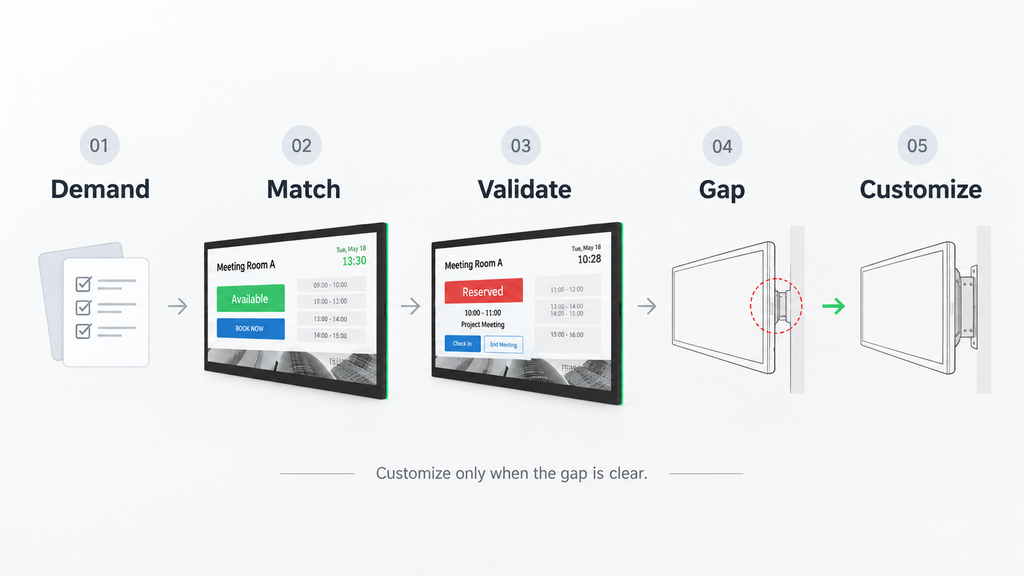
This creates a more efficient selection process and prevents buyers from spending too much time comparing specifications that may not matter to the actual application.
Before comparing processor performance, RAM, storage, or screen size, first determine what type of demand you are dealing with.
If you are still exploring the market, start with product categories.
If you already have a project, start with the deployment.
If you are reviewing available products, start with clear differences between each product line.
Once the demand path is understood, the right Android tablet configuration becomes much easier to identify.
JDS can support distributors, project suppliers, system integrators, and private-label buyers with commercial Android tablets, rugged tablets, wall-mounted Android displays, professional touchscreen terminals, and OEM/ODM customization.
Contact JDS to discuss your application, target market, or project requirements and identify the most suitable Android tablet direction.
![32-inch-fhd-100hz-monitor-01-front-view[1]](https://jingdsdisplay.com/wp-content/uploads/elementor/thumbs/32-inch-fhd-100hz-monitor-01-front-view1-rtv3hz3cp3o06y3s4jp313gbfcxhdyc21xtezpuiv4.png "32-inch-fhd-100hz-monitor-01-front-view[1]")