How to Build a Gaming Monitor Product Line: 27″, 32″ and 34″ Configurations Compared
For gaming monitor distributors and private-label brands, choosing an OEM monitor is not simply about deciding between a 27-inch, 32-inch, or 34-inch screen.
The more important question is how different monitor configurations should work together inside one product portfolio.
Screen size, panel technology, resolution, refresh rate, curvature, and aspect ratio all affect how a gaming monitor is positioned. For OEM buyers, these specifications also determine whether a model should serve as the main product, a larger-screen upgrade, or a differentiated premium option.
The gaming monitor market continues to expand, while high-refresh displays, ultrawide formats, OLED panels, and higher resolutions are gradually becoming more common.
For buyers building a new product range, the opportunity is therefore not simply to offer more sizes.
The real objective is to give each configuration a clear role.
Why 27-Inch QHD Works Well as a Core Gaming Monitor
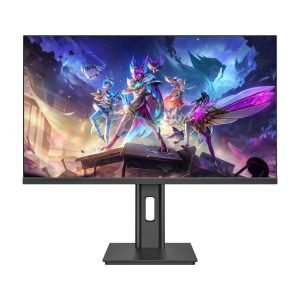
If a gaming monitor lineup needs one configuration as its foundation, 27-inch QHD with IPS and approximately 165–180Hz is one of the most balanced options.
The value of this combination comes from how the specifications work together.
A 27-inch screen provides noticeably more viewing area than smaller desktop monitors while still fitting comfortably on most gaming desks.
QHD resolution offers greater image detail than FHD without creating the same graphics-performance demand as 4K.
IPS panels are also suitable for a wide range of applications because they provide a balanced combination of image quality, viewing angles, and gaming performance.
Adding a refresh rate of around 165–180Hz gives the product the responsiveness expected from a modern gaming monitor without immediately pushing it into the highest-priced enthusiast segment.
For OEM product planning, this flexibility is important.
A 27-inch QHD gaming monitor can serve as the central product in a lineup and can later be expanded into higher-performance configurations.
For example, the same basic 27-inch QHD format can support:
- Mainstream IPS gaming monitors
- Higher-refresh 200Hz+ configurations
- 240Hz gaming products
- Premium OLED versions
This allows the same screen size and resolution platform to cover multiple price levels.
For this reason, 27-inch QHD is useful not only because it is a common gaming configuration, but because it can function as a strong portfolio anchor.
Within the current JDS product range, this configuration can be positioned as the main gaming monitor platform for brands looking for a balanced combination of performance, image quality, and market accessibility.
Why 32-Inch QHD Curved Serves a Different Market Position
Moving from 27 inches to 32 inches changes more than the physical size of the display.
The gaming experience also changes.
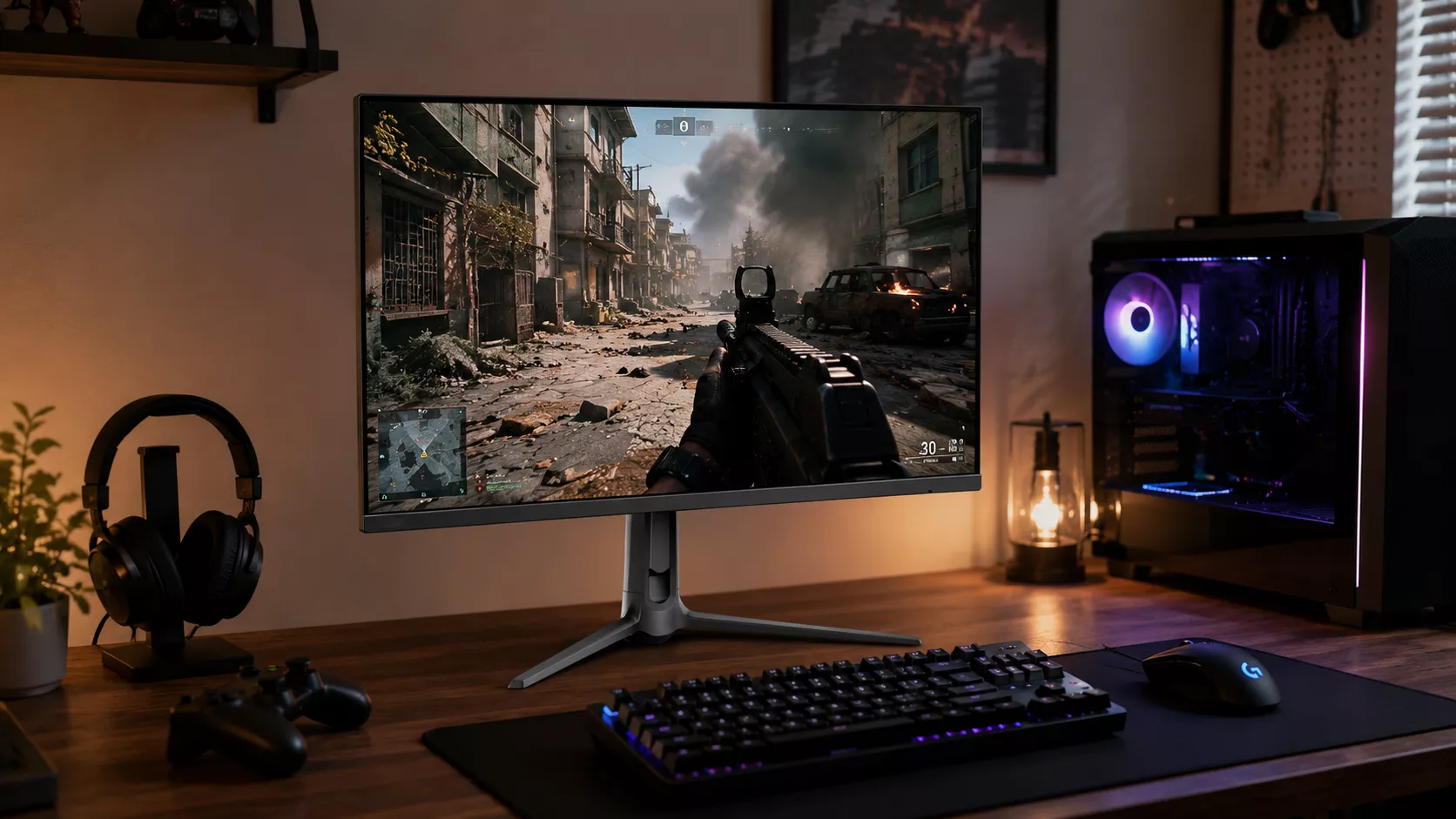
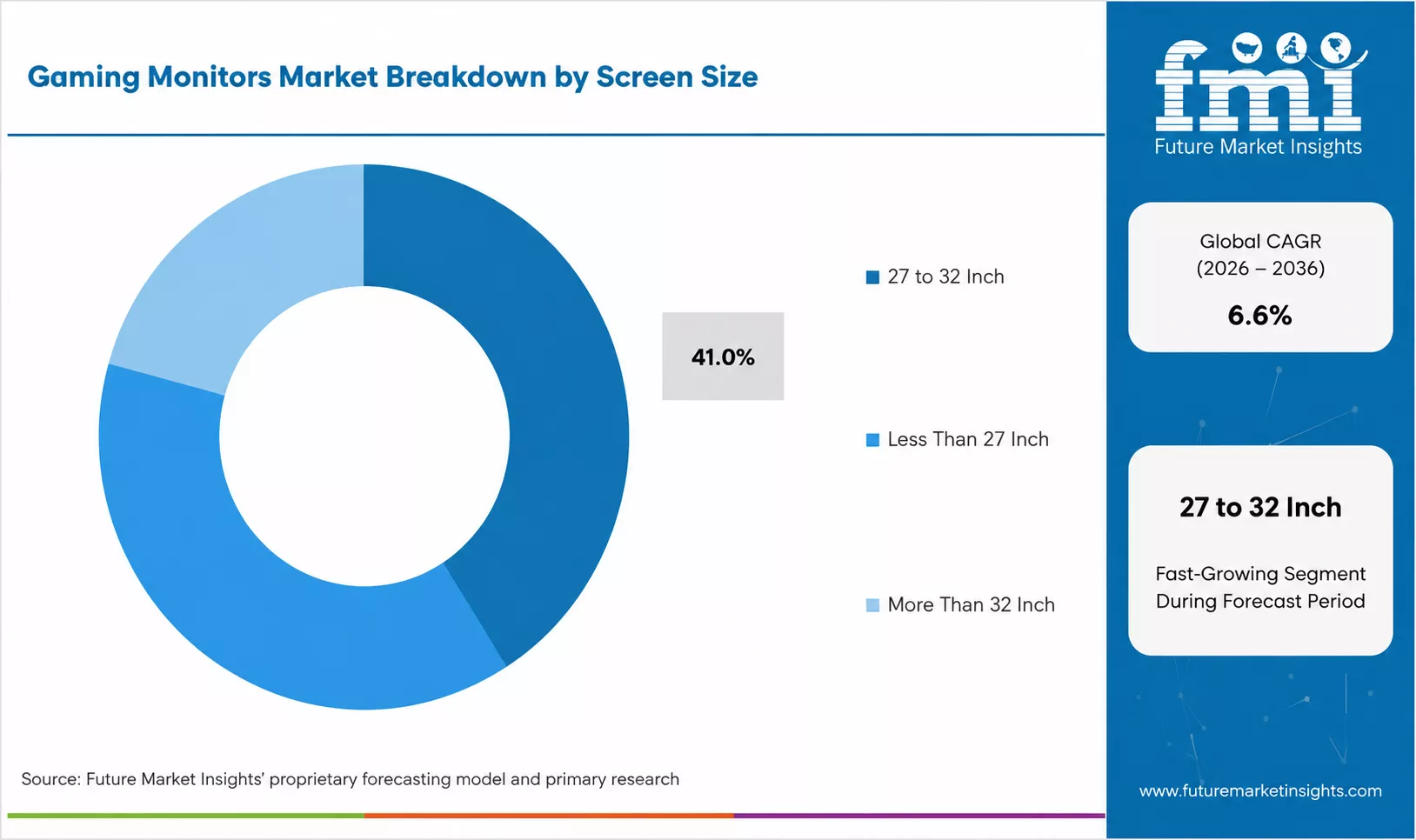
A 32-inch QHD curved monitor with a VA panel and approximately 165–180Hz refresh rate is particularly suitable for users who want a larger and more immersive visual experience.
The increased display area makes game environments feel larger, while a curved panel helps maintain a more consistent viewing experience across the wider screen.
This type of configuration is especially suitable for:
- RPG games
- Open-world games
- Racing games
- Simulation games
- Entertainment and multimedia use
- Gaming combined with general desktop work
Compared with a 27-inch model, a 32-inch monitor creates stronger visual presence.
However, keeping the resolution at QHD helps maintain a reasonable balance between image quality and graphics-card requirements.
Moving directly from 32-inch QHD to 32-inch 4K creates a different product position.
4K provides higher image detail, but it also increases GPU requirements, panel cost, and the overall price level of the monitor.
This means 32-inch QHD curved can occupy a useful middle position.
It provides a larger and more immersive experience than a mainstream 27-inch gaming monitor while remaining more accessible than a premium 32-inch 4K configuration.
For OEM and private-label buyers, this makes 32-inch QHD curved a logical large-screen upgrade within the product lineup.
Why 34-Inch UWQHD Is Better for Product Differentiation
The transition from 32 inches to 34 inches is slightly different.
The main difference is no longer simply screen size.
It is the 21:9 ultrawide format.
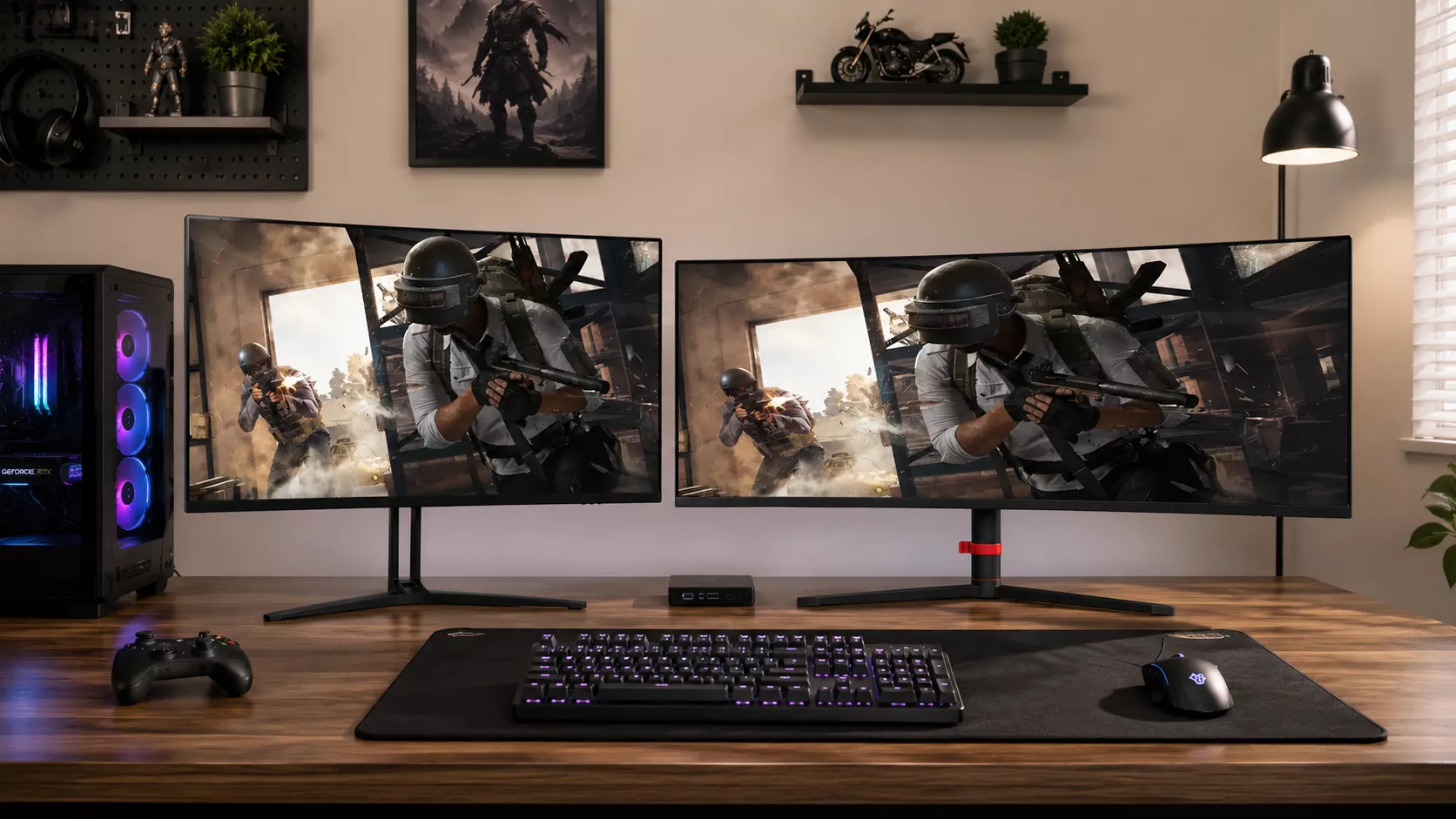
A 34-inch UWQHD curved gaming monitor around 165Hz provides substantially more horizontal screen space than a conventional 16:9 display.
This wider field of view can improve the gaming experience in applications where peripheral vision and environmental awareness are important.
Typical examples include:
- Racing games
- Flight simulation
- Strategy games
- Open-world games
- Multitasking
- Content creation
- Productivity workloads
The ultrawide format also gives the product a very different appearance from standard 27-inch and 32-inch monitors.
This is particularly useful for private-label brands.
A 34-inch model does not need to compete only through refresh rate or panel specifications.
Its form factor itself creates differentiation.
This makes the 34-inch UWQHD configuration useful for buyers who want to expand beyond conventional gaming monitors and introduce a product that looks and feels noticeably different.
Within the JDS gaming monitor portfolio, 34-inch ultrawide models can therefore serve as a differentiated product category rather than simply another screen-size option.
27″, 32″ and 34″ Serve Different Product Roles
These three sizes become easier to understand when they are treated as different product positions rather than larger and smaller versions of the same monitor.
| Screen Size | Reference Configuration | Main Advantage | Product Position |
|---|---|---|---|
| 27″ | QHD + IPS + 165–180Hz | Balanced image quality, gaming performance and desk compatibility | Core gaming model |
| 32″ | QHD + VA + Curved + 165–180Hz | Larger image and stronger immersion | Large-screen upgrade |
| 34″ | UWQHD + Curved + around 165Hz | Wider field of view and 21:9 experience | Differentiated ultrawide model |
This structure gives each monitor a clear reason to exist.
The 27-inch model focuses on balance.
The 32-inch model focuses on size and immersion.
The 34-inch model focuses on ultrawide experience and differentiation.
Why These Sizes Work Better as a Product Portfolio
A gaming monitor range becomes more useful when the models support one another.
Instead of offering multiple monitors with very similar specifications, OEM buyers can build a more structured portfolio.
A simple product strategy could look like this:
| Product Role | Suggested Configuration | Portfolio Function |
|---|---|---|
| Core | 27″ QHD + IPS + 165–180Hz | Mainstream gaming platform |
| Large-screen core | 32″ QHD + VA + Curved + 165–180Hz | Larger-screen upgrade |
| Differentiated model | 34″ UWQHD + Curved + around 165Hz | Ultrawide gaming option |
| Premium extension | 27″ QHD + OLED + 240Hz+ | High-performance gaming |
| Premium extension | 32″ 4K + high refresh | Large-screen premium gaming |
This approach is more useful than simply adding more SKUs.
Each configuration has a specific purpose.
The 27-inch monitor provides the broadest market foundation.
The 32-inch monitor increases physical size and immersion while maintaining a familiar 16:9 format.
The 34-inch model introduces an ultrawide experience and creates a stronger visual distinction.
Premium technologies can then extend the portfolio upward.
Where OLED, 240Hz+ and 4K Fit Into the Lineup
Premium gaming monitor technologies are becoming increasingly important.
OLED panels, refresh rates above 240Hz, and high-refresh 4K displays are gradually expanding beyond a very small enthusiast category.
However, these configurations usually serve a different purpose from mainstream LCD gaming monitors.
Their main role is to increase the upper performance limit of the product range.
For example:
OLED improves contrast performance, response characteristics, and premium visual positioning.
240Hz and higher refresh rates appeal more strongly to competitive and performance-focused gamers.
4K high-refresh monitors combine high image detail with gaming performance but generally require more powerful graphics hardware.
These configurations are therefore particularly useful when a brand wants to target:
- Enthusiast gamers
- Premium retail channels
- Higher price segments
- Performance-focused product lines
- More distinctive brand positioning
For many OEM buyers, premium monitors are better used as an extension of the lineup rather than the only foundation.
This is another reason why 27-inch QHD remains useful.
The same general format can support both a mainstream IPS model and a premium OLED or very-high-refresh product.
That makes it easier to create clear price and performance tiers while maintaining some consistency across the range.
Why OEM Monitor MOQ Cannot Be Determined by Screen Size Alone
OEM monitor MOQ is often misunderstood.
It is not determined only by whether the monitor is 27 inches, 32 inches, or 34 inches.
The actual MOQ depends heavily on the requested configuration and level of customization.
A buyer selecting an existing product configuration is very different from a buyer requesting a completely modified monitor.
For example, customization may involve:
- Panel specifications
- Resolution
- Refresh rate
- Video interfaces
- Housing design
- Housing color
- Logo printing
- Packaging
- Accessories
- Firmware
- OSD interface
- New tooling
The more closely the requested product matches an existing configuration, the easier it is to support smaller or more flexible initial orders.
When new tooling, special components, or dedicated hardware changes are required, the production structure becomes more complex.
Order quantity therefore needs to be considered together with customization.
Target pricing also affects the final configuration.
If the buyer has a strict target price, some specifications may need to be adjusted.
If the specifications are fixed, then order quantity, customization level, or component selection may need to change.
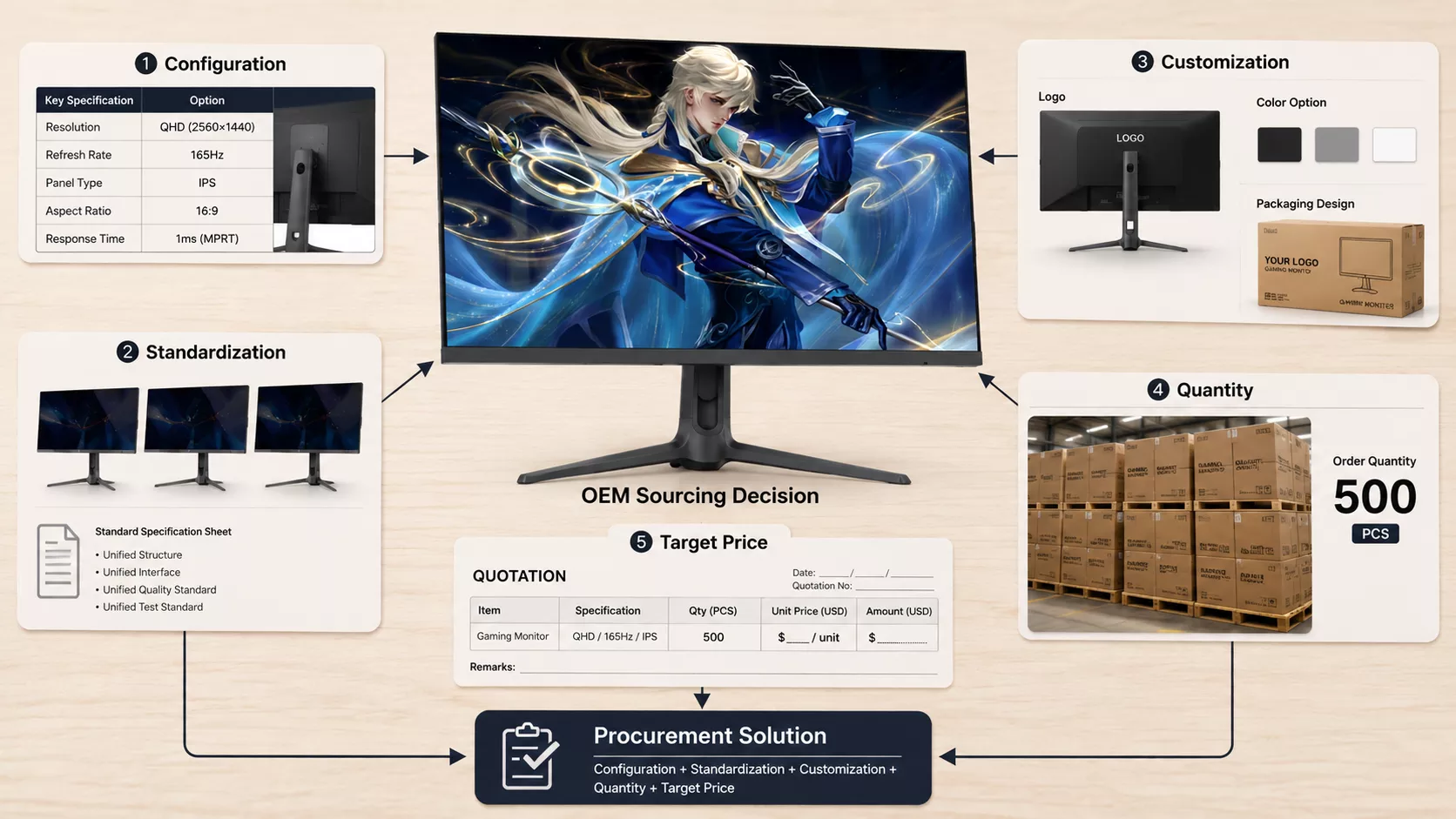
A more practical way to understand OEM monitor sourcing is therefore:
Configuration + Standardization + Customization + Quantity + Target Price
rather than simply:
Screen Size + MOQ
This gives both the buyer and manufacturer more flexibility when developing a commercially realistic product.
How to Plan a More Competitive Gaming Monitor Lineup
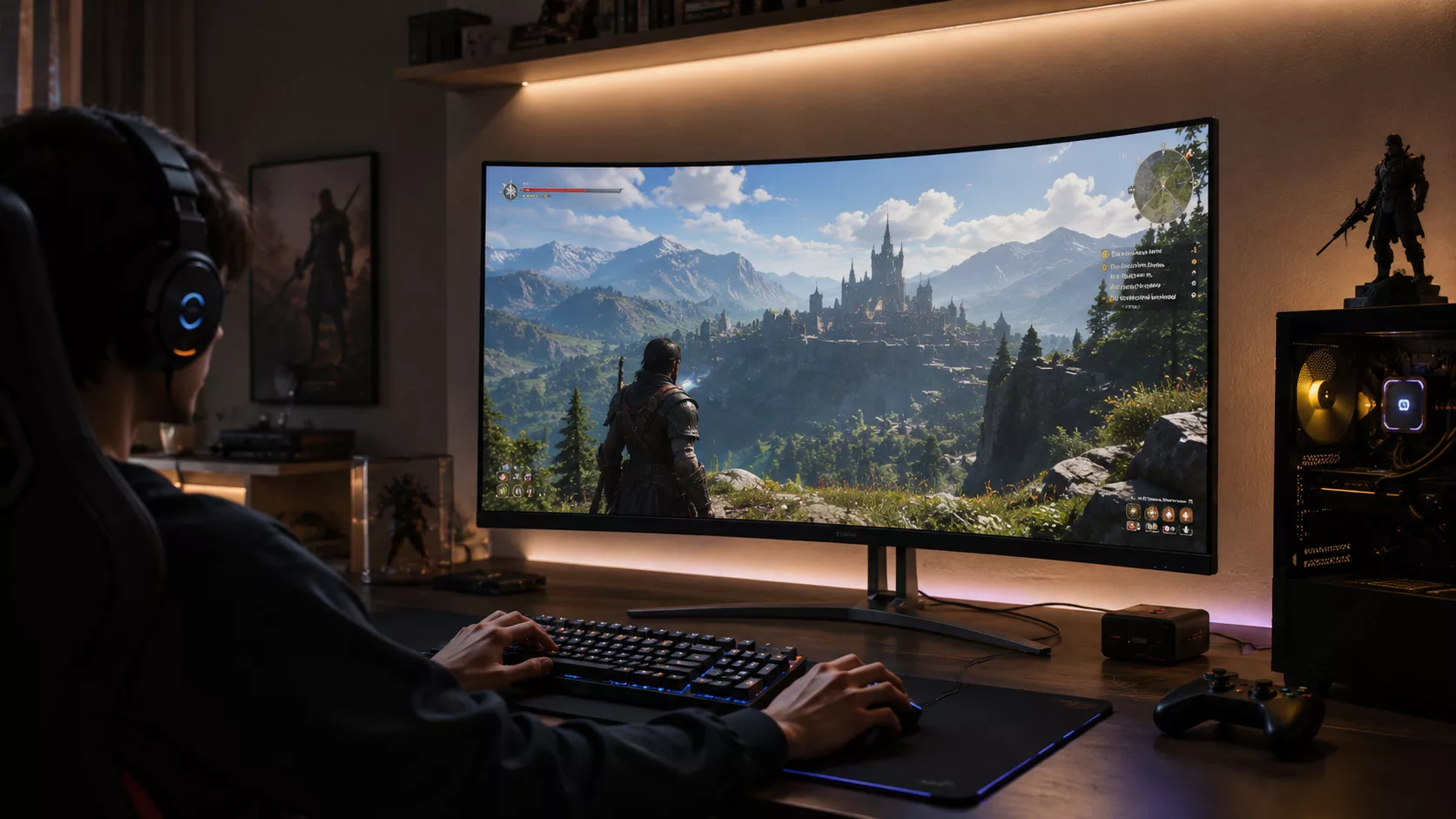
A strong OEM gaming monitor lineup does not necessarily need the largest number of models.
It needs clear differences between products.
For many private-label and distribution projects, the following structure provides a practical starting point.
27-inch QHD IPS around 165–180Hz
This can function as the core gaming product because it provides a balanced combination of screen size, resolution, refresh rate, and broad market suitability.
32-inch QHD curved around 165–180Hz
This creates a natural large-screen upgrade for customers who want stronger immersion without immediately moving into 4K.
34-inch UWQHD curved around 165Hz
This introduces the ultrawide format and gives the lineup a more distinctive product category.
OLED, 240Hz+ and 4K high-refresh monitors
These configurations can extend the product range into higher-performance and premium market segments.
The important point is that these monitors should not be selected independently.
They should be planned as parts of the same product strategy.
A well-designed monitor portfolio gives customers clear choices based on:
- Screen size
- Resolution
- Gaming performance
- Viewing experience
- Price level
- Product positioning
Rather than offering many similar products, the objective is to create meaningful differences between each major configuration.
For distributors and private-label brands developing a new gaming monitor lineup, JDS can provide OEM and ODM support across different screen sizes, panel technologies, resolutions, refresh rates, housing designs, branding requirements, and product configurations.
Whether the target market requires a mainstream 27-inch gaming monitor, a larger 32-inch curved display, a 34-inch ultrawide model, or a higher-performance premium product, JDS can help evaluate the configuration based on the intended market position and target price.
Contact JDS to discuss your gaming monitor requirements and build a product lineup that matches your target market.
![32-inch-fhd-100hz-monitor-01-front-view[1]](https://jingdsdisplay.com/wp-content/uploads/elementor/thumbs/32-inch-fhd-100hz-monitor-01-front-view1-rtv3hz3cp3o06y3s4jp313gbfcxhdyc21xtezpuiv4.png "32-inch-fhd-100hz-monitor-01-front-view[1]")